Virtana VirtualWisdom
Infrastructure monitoring with AIOps for improved application uptime and reduced MTTR of infrastructure issues, accurate workload IO profiling for better decision-making, and VMware workload rightsizing for optimized resource assignments.
Book a Demo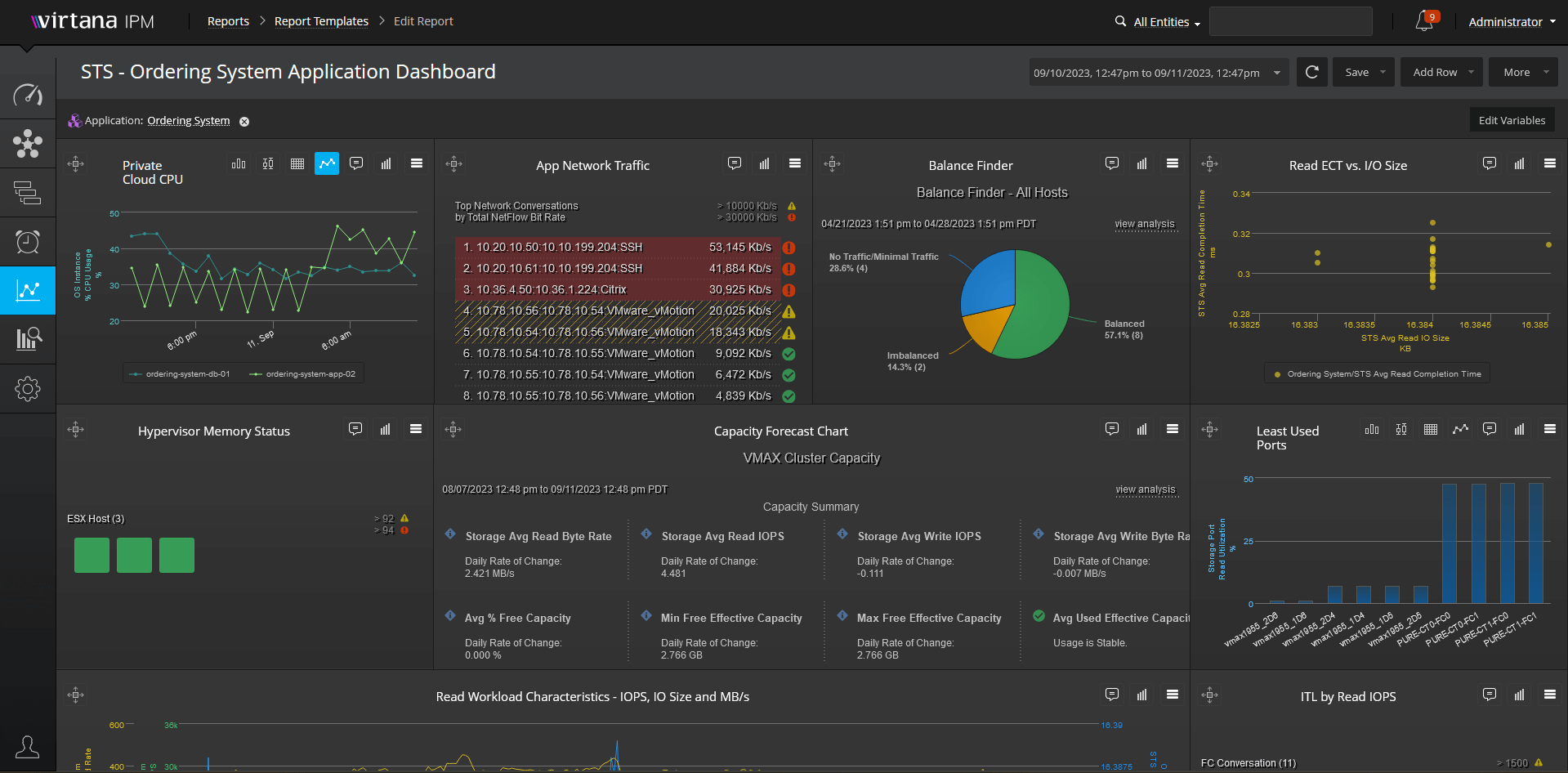
Understand the Health, Utilization, and Performance of Your Infrastructure
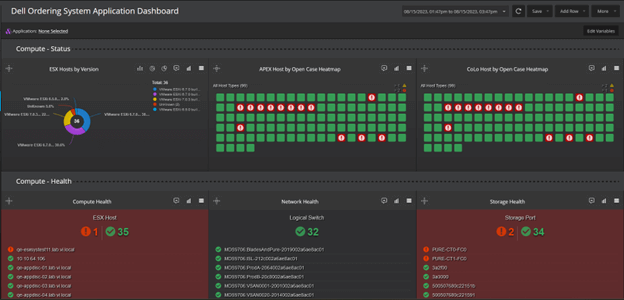
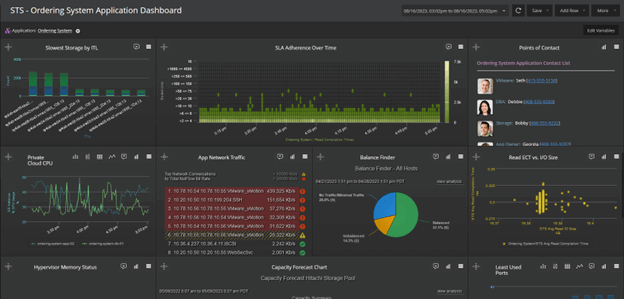
VirtualWisdom collects and correlates data metrics from disparate systems to provide a true, real-time, application-aware view of your infrastructure, and delivers analytic assessments to identify potential performance issues and optimization opportunities.
AIOps and Analytics Processes
Go beyond the limitations of dashboard metrics with an analytics framework that provides contextual understanding, correlation, and discovery, as well as predictive analytics to prevent performance problems and outages.
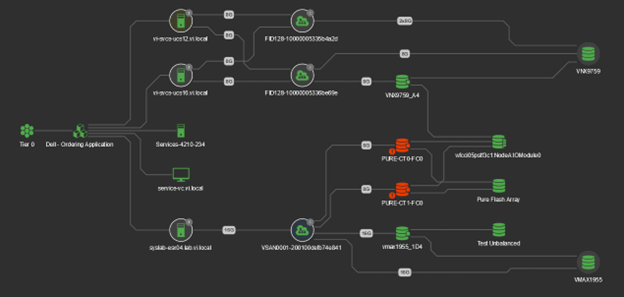
Full-Featured Dependency Mapping and Reporting
Get a vendor-independent view of system-wide infrastructure performance—from client to server to network to storage—in the context of the applications being serviced by the infrastructure.
Metrics Collection
Continuously capture, correlate, and analyze system-wide heterogeneous infrastructure performance as measured by real-time response time plus utilization/health/capacity metrics.
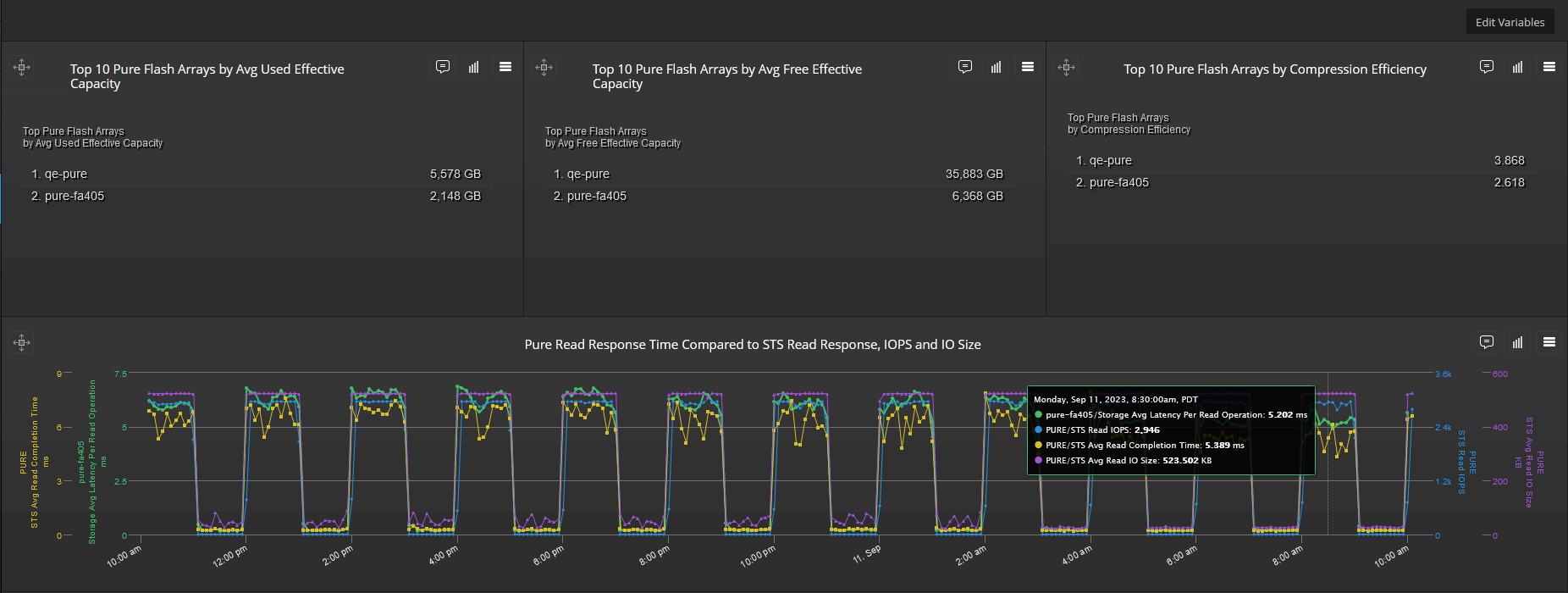
Infrastructure-Related Application Pressure
Understand how applications are stressing the infrastructure and get accurate, definitive insights that are actionable by operations and engineering teams.
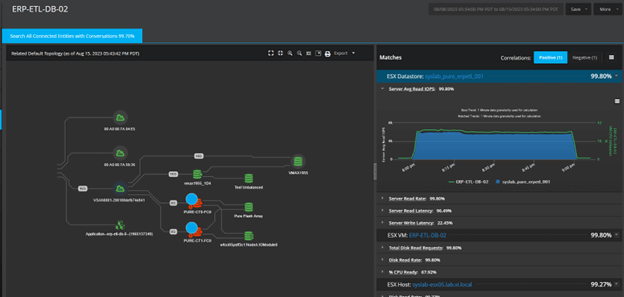
Scalable Architecture
Handle a very large number of physical devices and their associated metrics without the risk of hitting a limit.
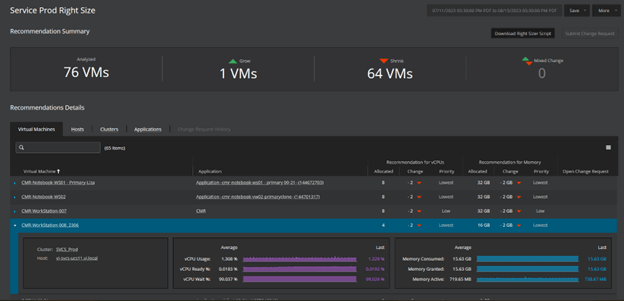
Application-Aware Alarming and Priority Tiers
Understand the relative business value and priority of the applications supported by the infrastructure.